Node.js Docs:按模块、命令行选项与运行时 API 查阅官方说明
文档首页与版本
文档首页标题为 “Node.js v26.13.0 documentation”,截至 2026 年 10 月为最新版本。顶部有 Table of contents、Index、Other versions 与 Options 四个切换项。左侧目录列出 About this documentation、Usage and example 等章节,其后是 Assertion testing、Buffer、Child processes、Cluster、Command-line options、Crypto、File system、HTTP,以及 Modules: CommonJS modules、Modules: ECMAScript modules 等模块。访问 nodejs.org/en/docs 会跳转到最新版本的 API 目录。页面中的 Table of contents 可以展开为本页的小节目录,Index 则以列表形式展示全部模块。
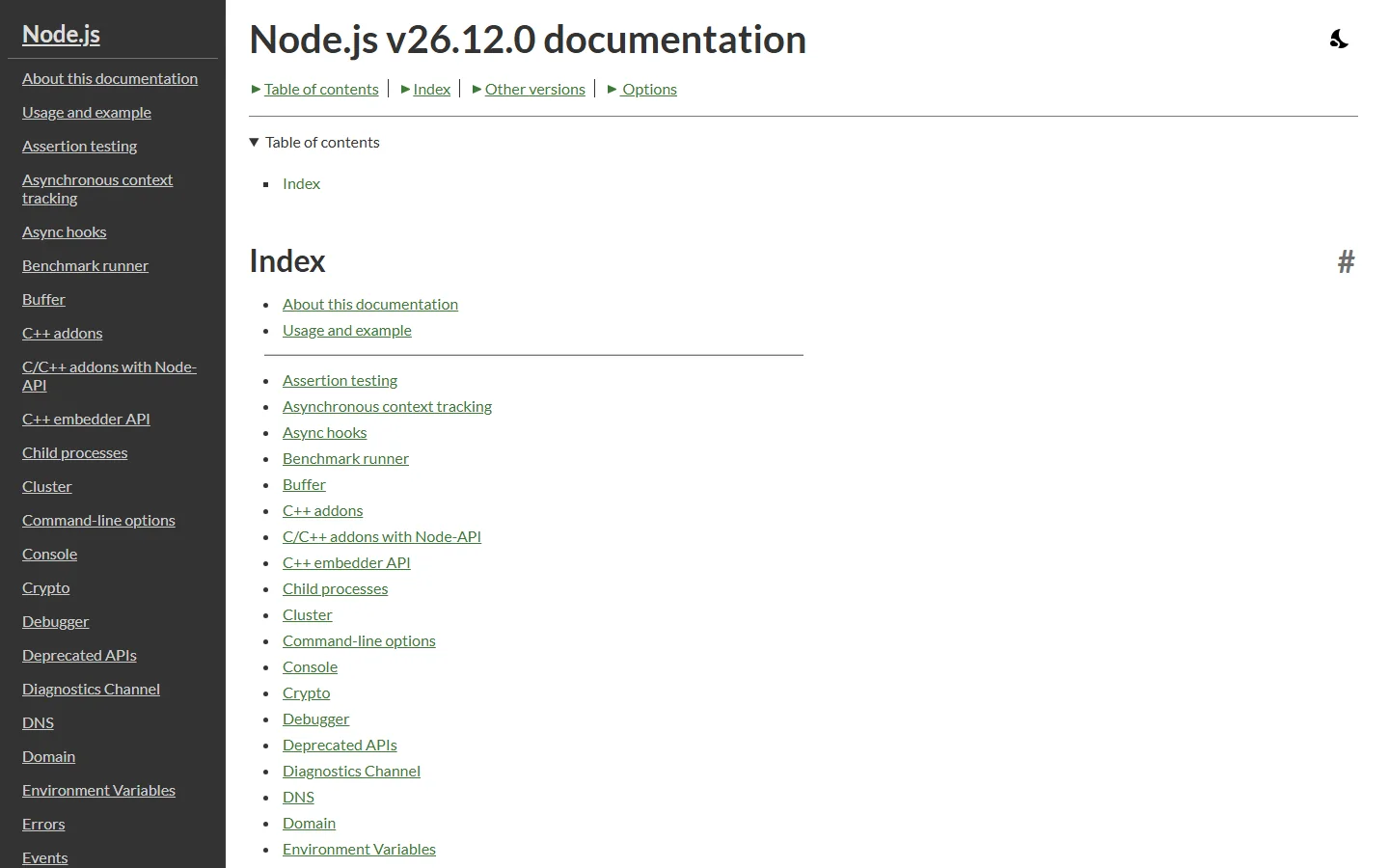
截图中的文档版本为 v26.12.0,截至 2026 年 10 月官网为 v26.13.0。
命令行选项页面
Command-line API 页面包含 Synopsis、Program entry point 与 Options 三部分。选项列表中可以找到 --env-file、-e 或 --eval、-c 或 --check、--cpu-prof、--allow-fs-read、--diagnostic-dir 等参数。选项列表很长,从 --abort-on-uncaught-exception、--allow-addons 一直排到 --experimental 系列,也包含 --bench、--build-snapshot 等与测试和构建相关的参数。
单文件应用与相关 API
Single executable applications 章节的目录展开了 Generating single executable applications with --build-sea(用 --build-sea 生成单文件应用)、资源(Assets)、虚拟文件系统(VFS)、启动快照(Startup snapshot support)与 V8 代码缓存等小节,其中 API 部分列出 sea.isSea()、sea.getAsset()、sea.getAssetAsBlob()、sea.getRawAsset() 与 sea.getAssetKeys() 等方法。
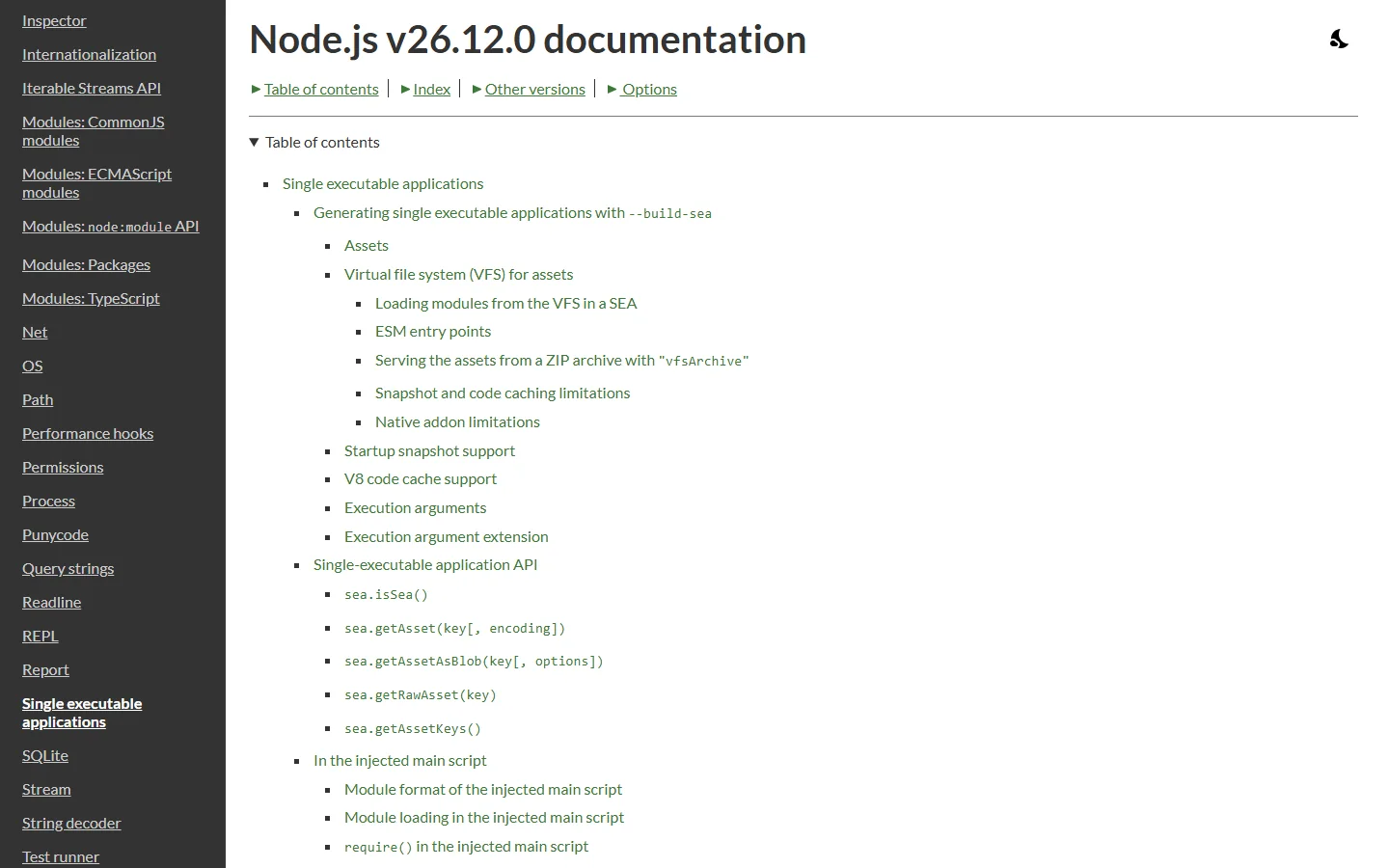
截图中的文档同为 v26.12.0 版本,截至 2026 年 10 月官网为 v26.13.0。